How to Optimize Your LinkedIn Link for Maximum Professional Reach
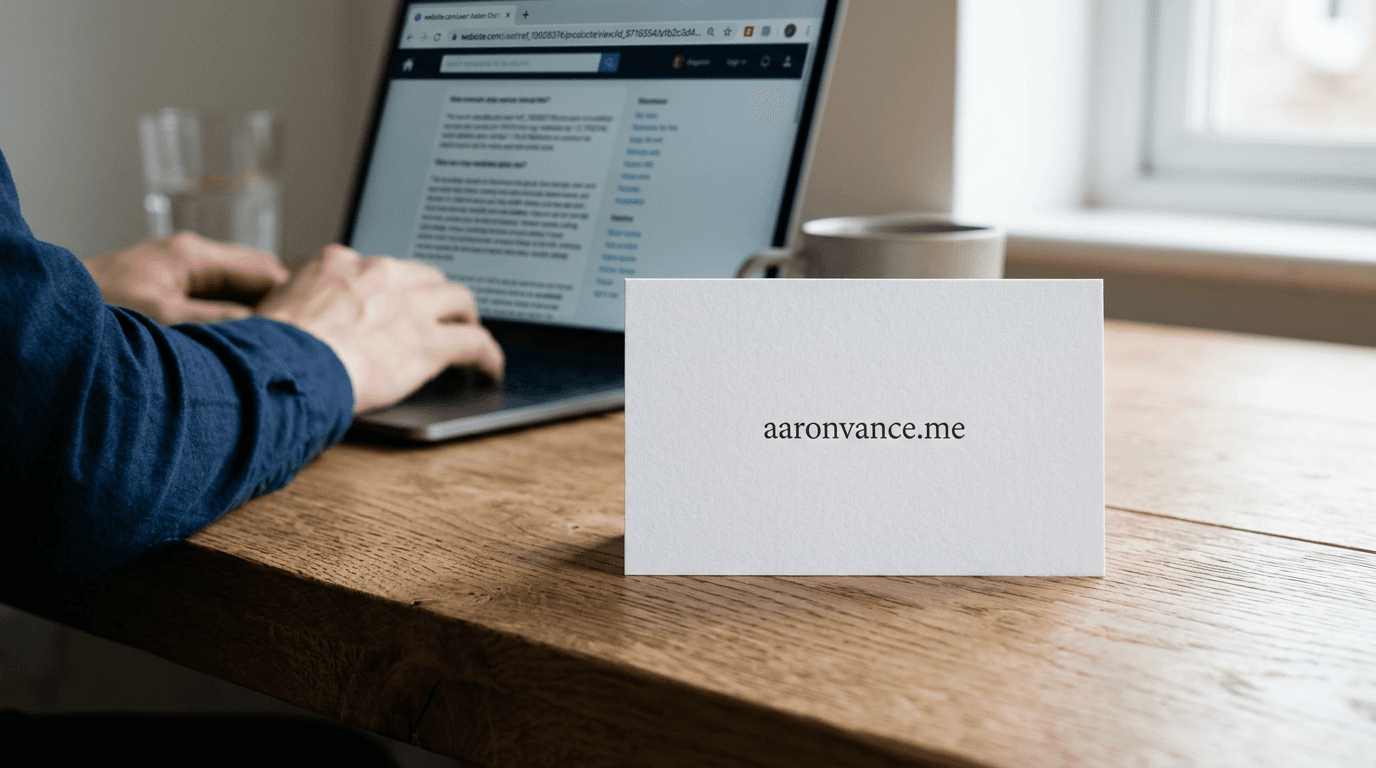
A hiring manager or prospective client receives your resume, clicks your profile, and sees a string of random alphanumeric characters following your name in the address bar. This is the moment a small technical detail undermines a carefully crafted professional image. Leaving your default linkedin link unchanged signals a lack of attention to detail, while an optimized profile URL acts as a clean, brandable asset you can place on business cards, portfolios, and central landing pages.
Quick Summary
Optimizing your LinkedIn profile link transforms a messy, system-generated URL into a clean, professional identifier that builds credibility and improves discoverability. By customizing the URL structure and controlling how it appears when shared, professionals can ensure their digital presence remains cohesive.
- A custom URL removes default system numbers, making it easier to read and print.
- Clean links integrate seamlessly into centralized digital business cards or link-in-bio platforms.
- Open Graph tags determine how your profile preview renders when the link is pasted into external platforms.
- Regularly testing your link ensures privacy settings are not blocking external viewers.
Table of Contents
- 1. Claiming your custom profile address
- 2. Structuring content for external sharing
- 3. Centralizing your professional footprint
- Common Pitfalls & Troubleshooting
- FAQ
- Recommended Reads
1. Claiming your custom profile address

Why the default string costs you credibility
When you create an account, the platform assigns a linkedin-profil-url containing your name followed by a randomized string of numbers and letters. This system-generated link is designed for database uniqueness, not human readability. Leaving it unchanged makes it impossible to dictate over the phone, ugly to print on physical collateral, and visually disruptive when embedded in a professional email signature.
To fix this, you must edit your public profile settings. The mechanics involve navigating to your profile editing dashboard and modifying the custom URL field to include only your first and last name, or a recognized professional variant if your exact name is taken. The most common mistake users make here is adding unnecessary professional titles or degrees (like "john-smith-mba") to the URL itself. Titles change over a career; a name does not. Baking a temporary credential into a permanent URL forces you to either change the link later - breaking older printed materials - or keep an outdated title.
Practical rule: Strip the URL down to your name only, using dashes to separate first and last names if the combined string is already claimed.
2. Structuring content for external sharing
Controlling the preview metadata
Sharing your profile link on other platforms involves a protocol called Open Graph, which fetches the title, description, and thumbnail image associated with the URL. If your profile privacy settings are locked down, the platform cannot scrape this metadata. As a result, pasting your link into a messaging app or a social media feed generates a blank grey box instead of your professional headshot and headline.
This happens because users often restrict their public visibility to "logged-in network members only." To ensure the link renders correctly when shared externally, you must adjust your public profile visibility to allow search engines and external platforms to read your basic information. The failure here is assuming that sharing the link automatically grants the recipient viewing permissions. It does not; the platform's public visibility settings act as a firewall. Check the "Public profile settings" page and toggle your profile photo and headline to "Public."
3. Centralizing your professional footprint
Moving beyond a single platform
A single platform rarely captures the entirety of a modern professional's output. Freelancers, digital marketers, and store owners often have portfolios, booking systems, and distinct storefronts. Pasting multiple raw links into a social media bio or an email signature creates visual clutter and dilutes the call to action.
The mechanism to solve this is a centralized landing page - a single link that houses all your professional destinations, including your optimized LinkedIn profile. This approach removes friction for the user. Instead of forcing a client to click through to a social network and then hunt for your portfolio link in your featured section, a dedicated link-in-bio page presents all options cleanly. The mistake practitioners make is using overly complex website builders for this simple routing task, introducing slow load times and maintenance overhead. Keep the routing layer lightweight and mobile-optimized.
Common Pitfalls & Troubleshooting
The preview shows outdated information
- Symptom: You paste your link into a chat, but it shows an old headline or a previous employer.
- Fix: External platforms cache metadata. You must force the external platform (like Facebook or Twitter's developer tools) to scrape the URL again using their specific caching debuggers. This is the most common cause of mismatched previews.
The link leads to a "Profile Not Found" error for external users
- Symptom: People without accounts click your link and see a login wall or an error screen.
- Fix: Your public profile visibility is turned off entirely. Navigate to your privacy settings and toggle "Your profile's public visibility" to On.
Analytics show clicks but zero engagement
- Symptom: Your portfolio or link-in-bio platform shows users clicking your profile link, but you receive no connection requests.
- Fix: You may have restricted incoming connection requests to "people who know your email address." Update your communication settings to allow broader networking if your goal is discoverability.
FAQ
How long can my custom profile URL be?
It can be between 3 and 100 characters long, but shorter is always better. Stick to your actual name without symbols or numbers.
Does changing my URL break my old link?
Yes. Once you change your custom URL, the old one is released. Anyone clicking a link from an old resume will encounter an error page.
Why is my preferred name already taken?
Since the network operates globally, common names are claimed quickly. If your exact name is taken, add a middle initial rather than a number to maintain professionalism.
Can I track who clicks the link in my email signature?
Not natively through the profile link itself. You must route the traffic through a centralized analytics or link-in-bio platform to measure click-through rates before the user lands on your profile.