How to Efficiently Manage Your Dropbox and Mega Files with Links
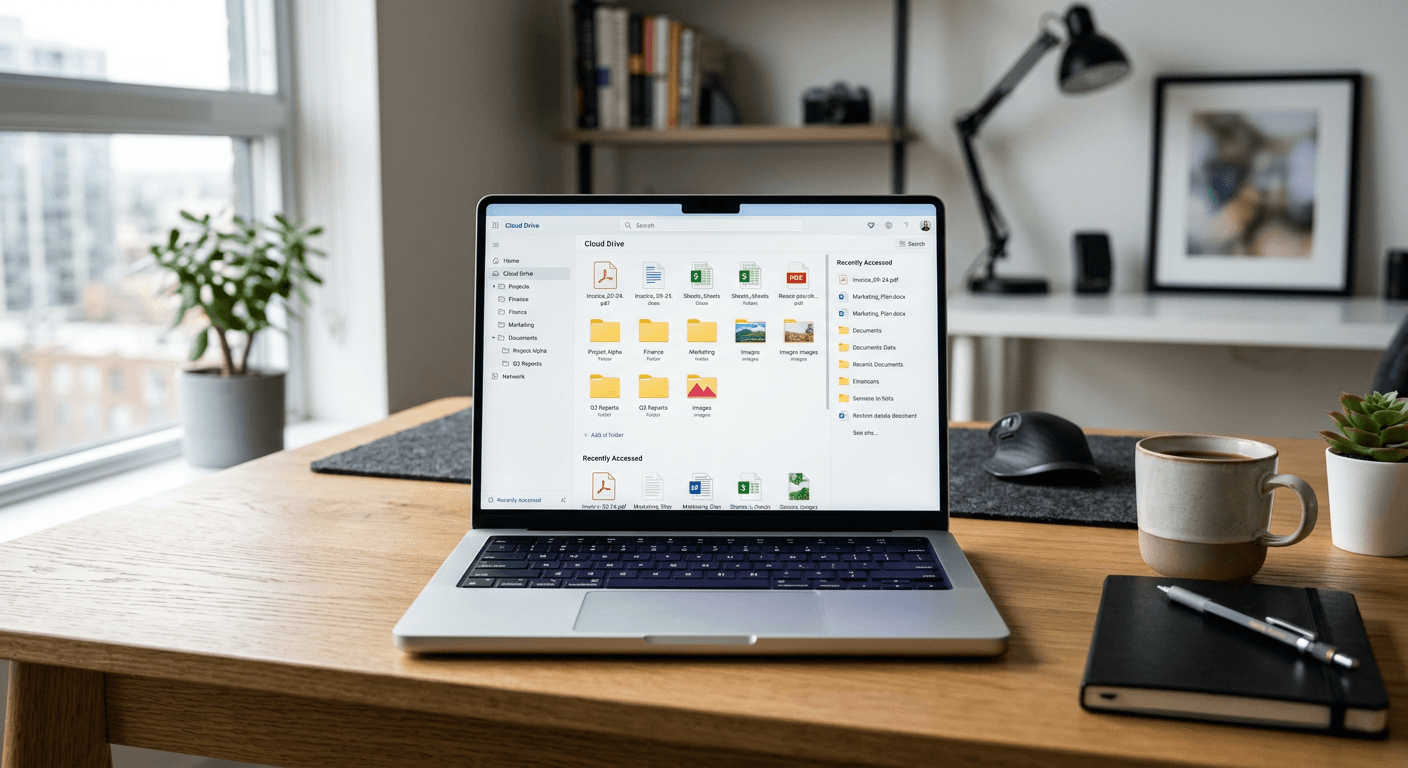
Digital clutter is the silent killer of productivity. We have all been there - staring at a chaotic cloud drive, trying to remember if we sent that critical file via a mega link or if it's still buried in some obscure subfolder. Managing your digital assets isn't just about storage; it's about control. When you learn how to effectively organize and share your files, you stop playing hide-and-seek with your own documents and start actually getting work done. Honestly, I believe the biggest mistake people make is treating cloud storage like a junk drawer in a kitchen. You throw things in, hoping they will be there later, but when you actually need that one report, you are lost.
Quick Summary {#quick-summary}
Managing Dropbox and Mega files requires a structured naming convention and strategic sharing permissions. By leveraging direct links and expiration settings, you ensure secure data flow while keeping your workspace organized. Effective file management transforms cloud storage from a cluttered repository into a streamlined, professional asset for collaborative workflows.
- Use consistent naming conventions for every file.
- Utilize expiration dates for sensitive shared links.
- Audit your shared access lists quarterly.
- Organize folders by project, not by file type.
Table of Contents {#table-of-contents}
- Quick Summary
- Table of Contents
- Optimizing Your Dropbox Workflow
- Mastering Mega for Large Transfers
- The Art of Secure Sharing

Optimizing Your Dropbox Workflow {#optimizing-your-dropbox-workflow}
Dropbox remains a gold standard for a reason, but it is easy to lose track of what you have shared. If you ask me, the "dropbox link erstellen" process is deceptively simple. Most users just copy a link and forget about it. That is a recipe for a data security nightmare.
Best Practices for File Organization
Instead of dumping everything into the root folder, create a "Shared" directory. Within that, categorize by year and client. This simple structure helps when you need to manage digital resources effectively across multiple platforms. It is not rocket science, but it takes discipline.
Mastering Mega for Large Transfers {#mastering-mega-for-large-transfers}
Mega is fantastic because of its encryption-first philosophy. When you generate a mega link, you are essentially creating a secure portal to your data. However, many people abuse this by sharing folders without setting expiration dates. A smart user understands that a file shouldn't be accessible forever unless it's a permanent archive. Why leave the door wide open if you only needed to share the key for a day?
Handling Temporary Assets
Sometimes, you just need a quick solution, similar to a wetransfer link, to push a file out the door. Mega allows you to set password protection on these links. Use it. It is an extra three seconds of work that could save you a massive headache later on when that file ends up in the wrong hands.
The Art of Secure Sharing {#the-art-of-secure-sharing}
Let’s get real about security for a second. We live in an era where data leaks are common. Every time you create a link upload, you are exposing that file to the open web. It doesn't matter if it is a photo or a financial spreadsheet; it needs protection. If you are handling sensitive information, consider using secure file sharing tools that provide an extra layer of auditing and access control.
Alternatives to Permanent Links
Have you ever wondered why we default to permanent access? Most collaboration only requires a one time link that expires after a single download. It limits your footprint. If the recipient loses the file, you can always generate a new link. It is safer, cleaner, and honestly, just a better way to operate in a professional environment. Sounds simple, right? It takes practice, but once you make the switch, you will never look back.